Less to run. More to love.
Allvio puts your till, bookings and online orders in one system, built for Australian venues, so you can get back to the part you opened for.
30 days free · No card required · Screens show sample data

 Allvio Venues
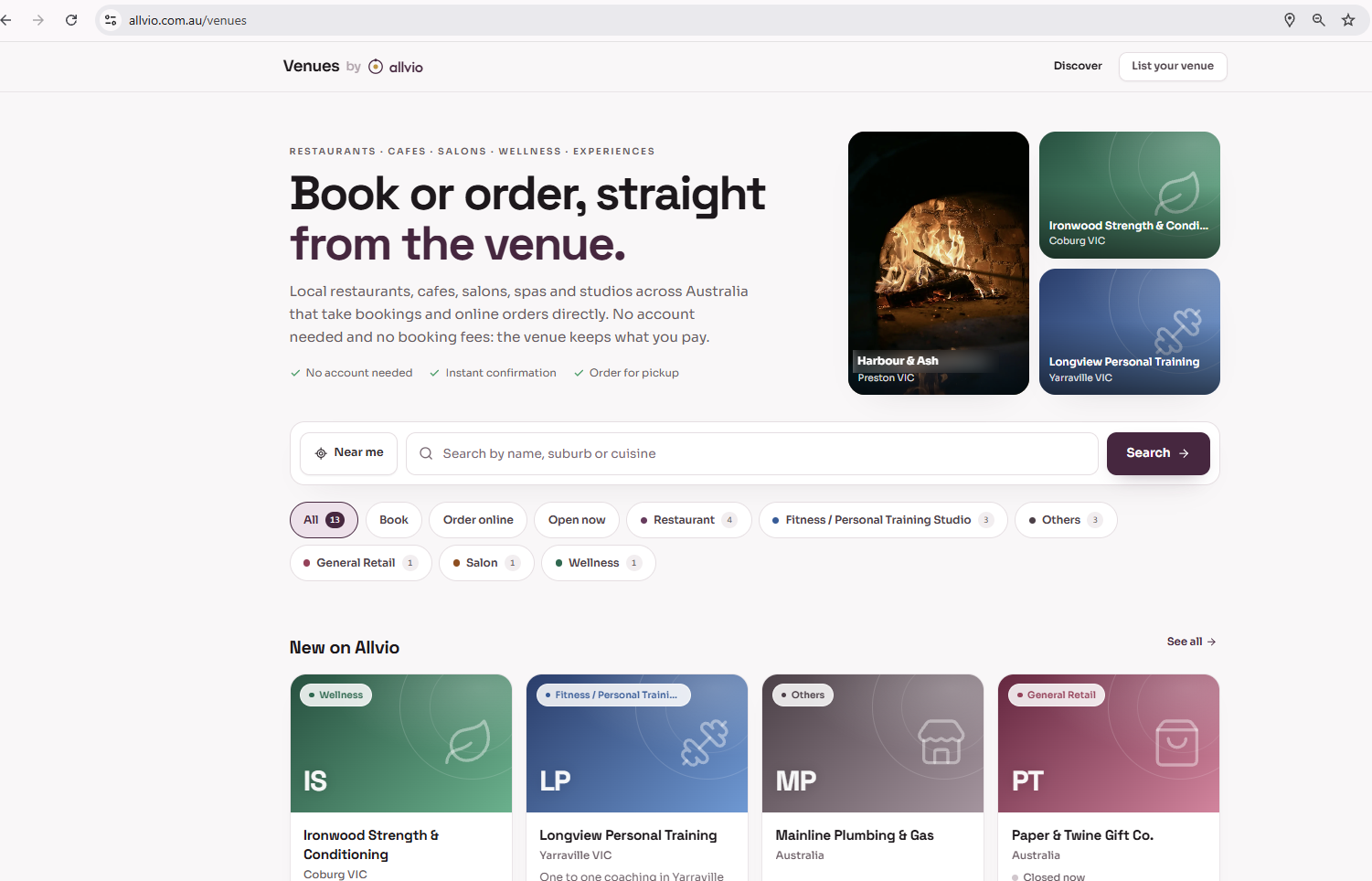
Guests can already book a table on Allvio Venues
Allvio's live guest marketplace: real reservations, on a real venue's real availability.
Visit Allvio Venues Online ordering
Guests can already order online, commission-free
Your own storefront on Allvio's live ordering marketplace, no marketplace commission taken.
Visit Online OrderingSee it runningWatch Allvio run a real lunch service, live menu and a full month's close
Every screen is the real, live product, filmed end to end.
Open the story library Try it
30 days free. No card required.
We'll help load your menu, prices and reservations before you go live, or show you how to do it yourself.
Start free trialBuilt by a restaurant owner. Made for every small business that serves customers, from cafes and pubs to barbers, studios and shops.
The till, bookings and online orders together, on one bill.
Each app reads from the same customers, catalogue and books, so nothing is entered twice.
Bookings, walk-ins and the waitlist on one diary.
- ✓Day, week and timeline views across people and spaces
- ✓Waitlist that seats parties into the first fitting slot
- ✓Covers, bookings and utilisation at a glance
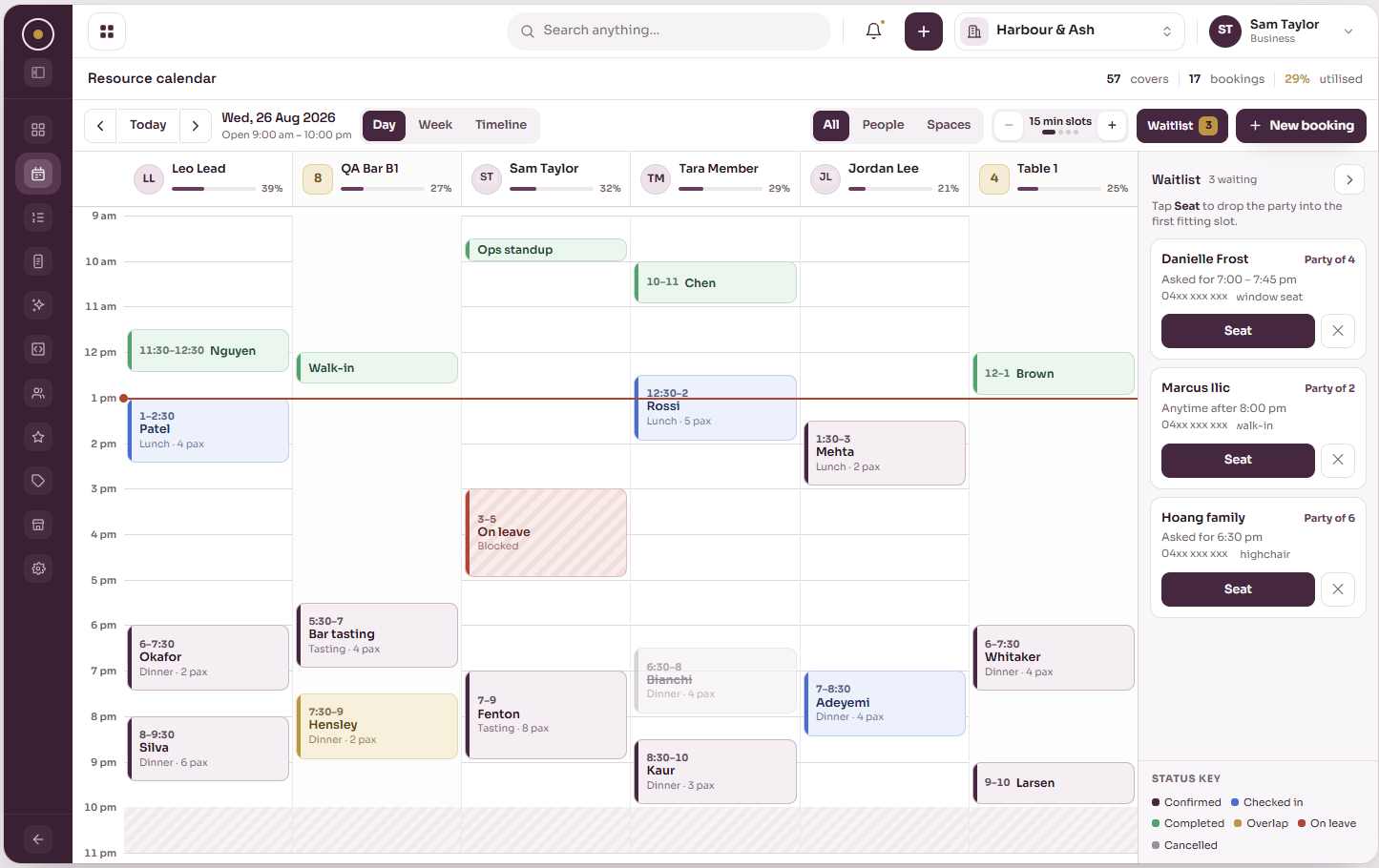
One booking, from the diary to the receipt.
The booking lands on the diary.
Online, walk-in or by phone, every booking sits on one calendar across tables, staff and spaces.
Service runs from one screen.
Next arrivals, covers pacing, floor state and what needs you now, updated through the night.
The order goes on the till.
Tap tiles to build the order. Happy-hour prices, splits and GST are handled for you.
The kitchen sees it straight away.
Tickets arrive by station, timed from the moment they are sent.
Every sale in one history.
Card, cash and split payments, refunds and voids, all in one place at the end of the day.


Guests find you, then book or order direct.
Your venue gets a page on Allvio Venues, alongside restaurants, cafes, salons, spas and studios across Australia. Guests book or order without creating an account. No fees on your first $10,000 of online orders each month, then up to 2%. No per cover booking fees.
Seven ways to bring guests back.
Run one programme or mix them. POS, Ordering and Reserve all feed the same balance.
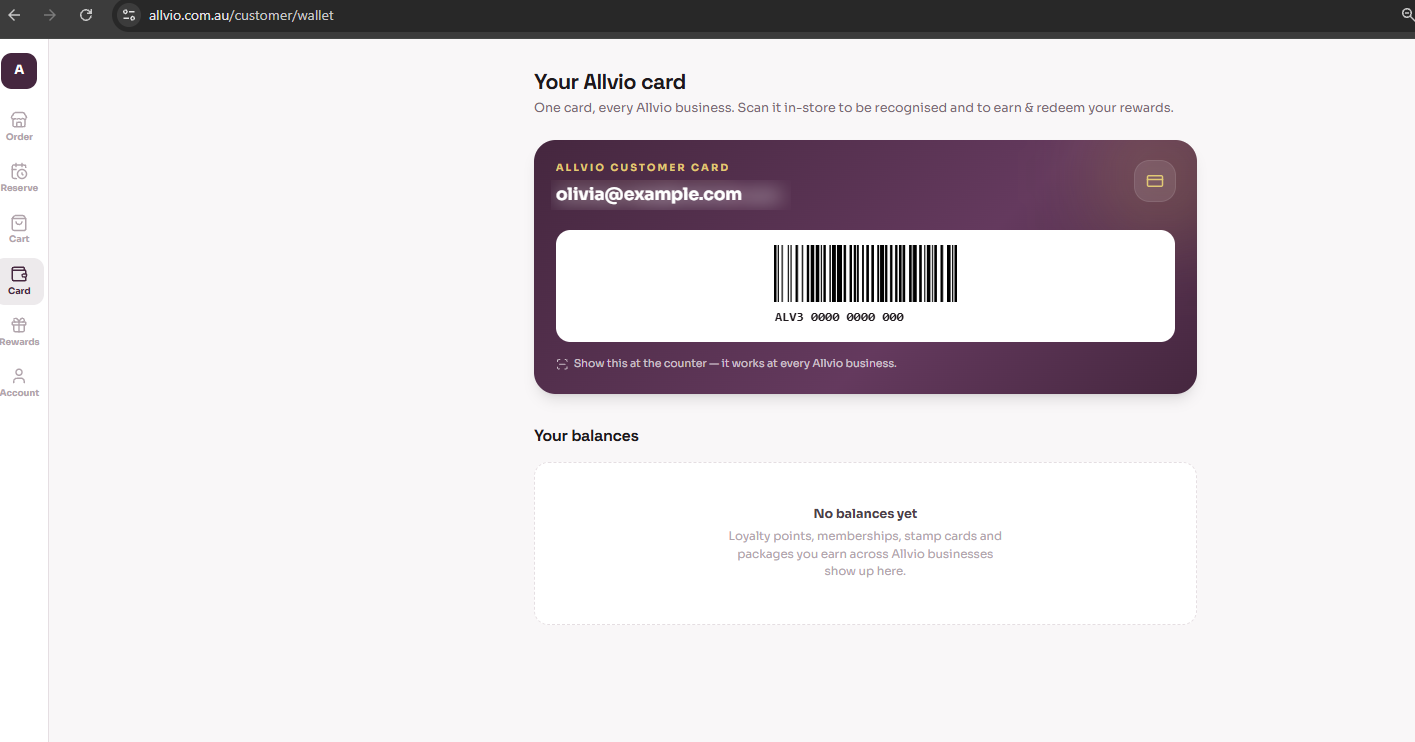
One card, every Allvio business.
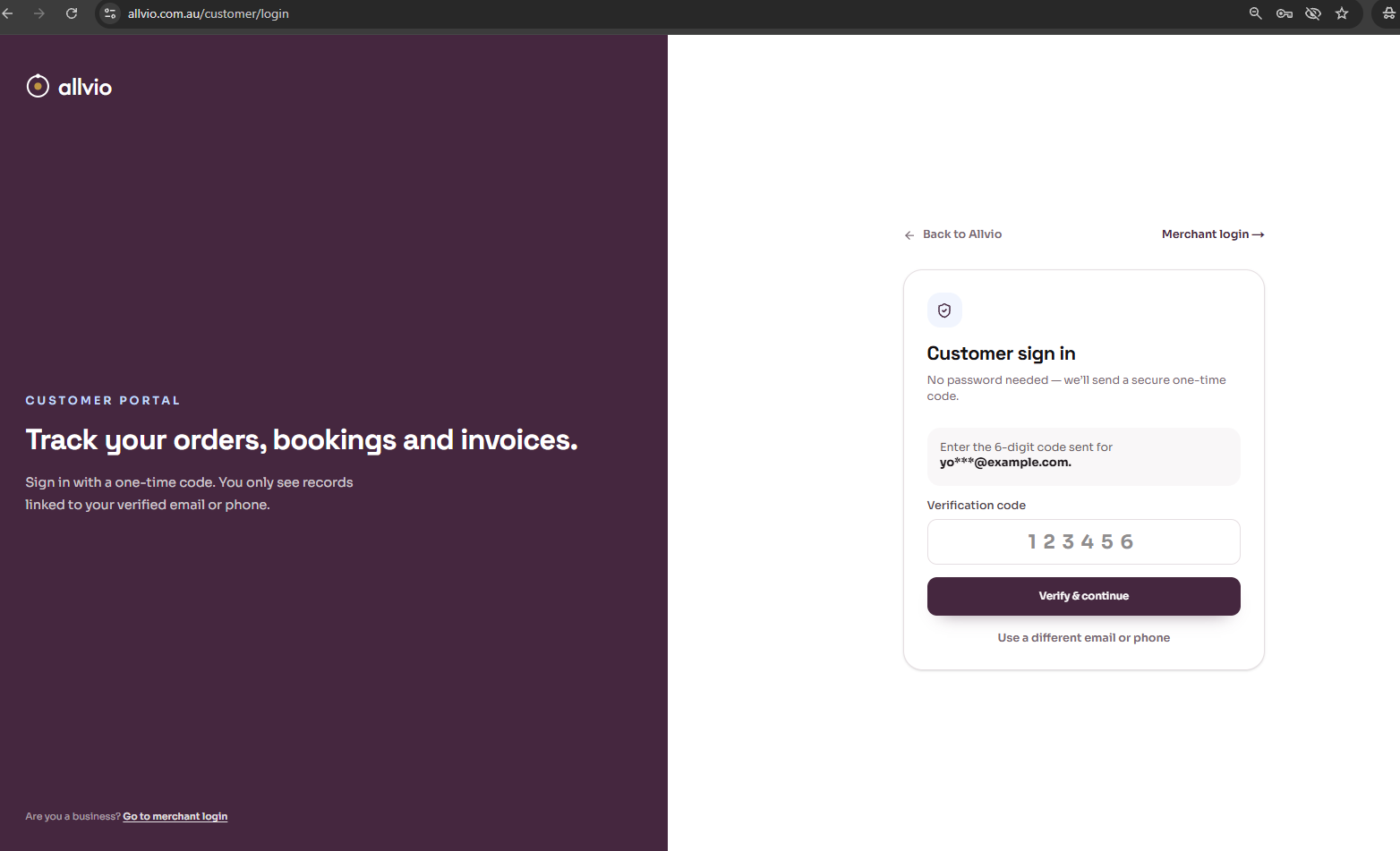
Card shown with sample details.Guests sign in with a one-time code, no password, to track their orders, bookings and invoices. They scan one Allvio card at the counter to be recognised and to earn and redeem rewards.
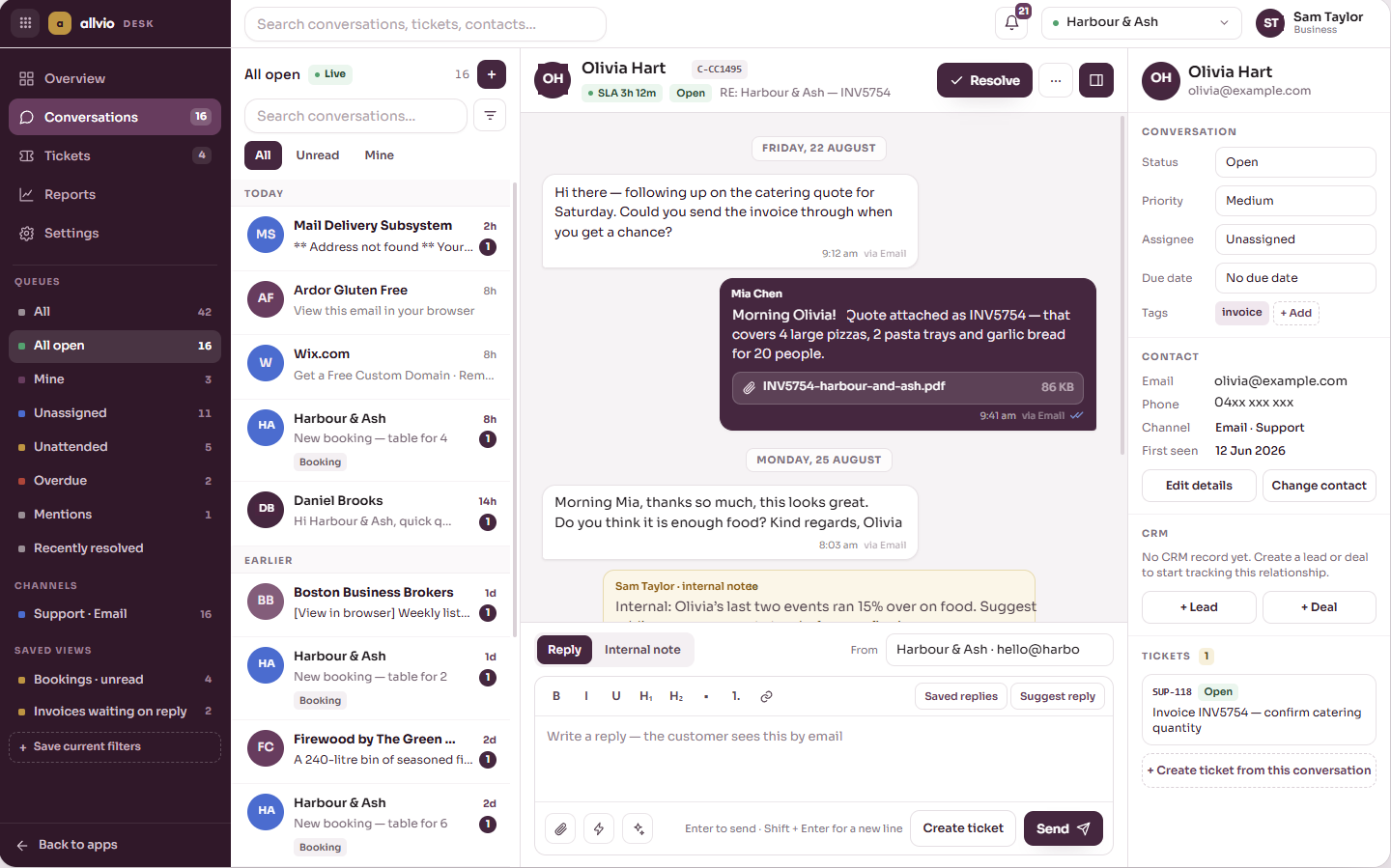
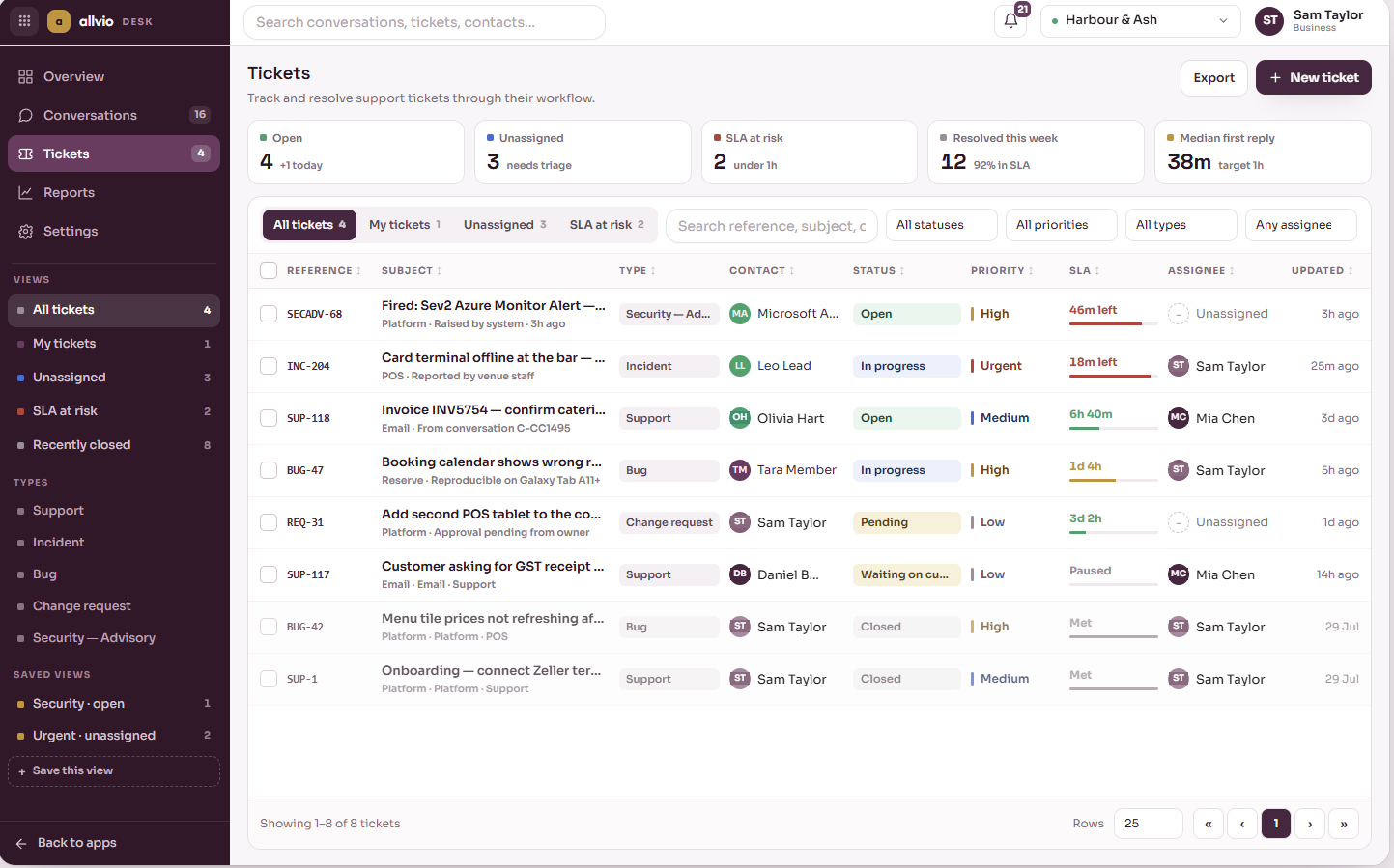
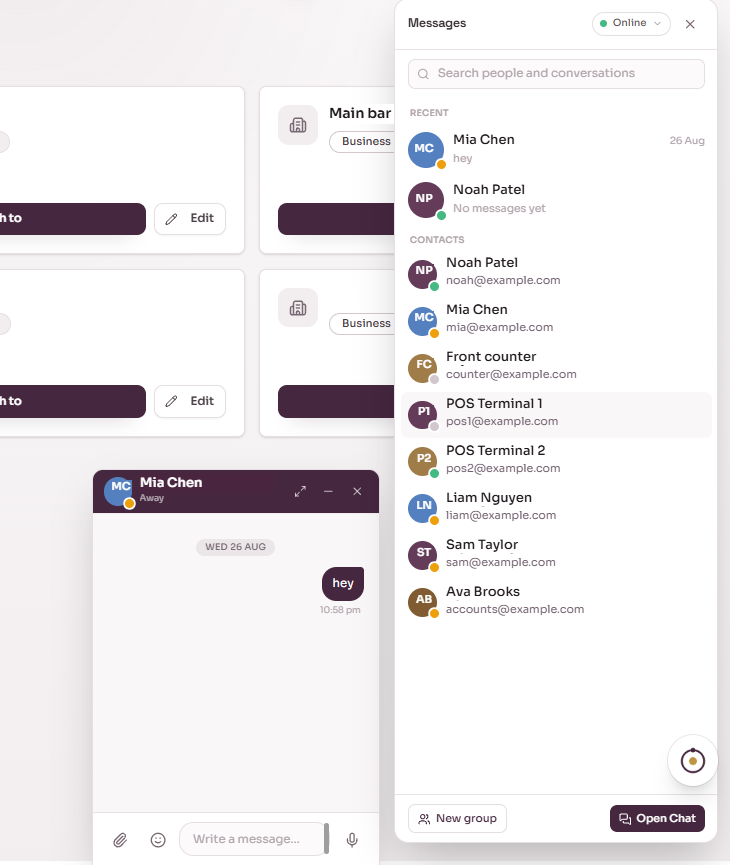
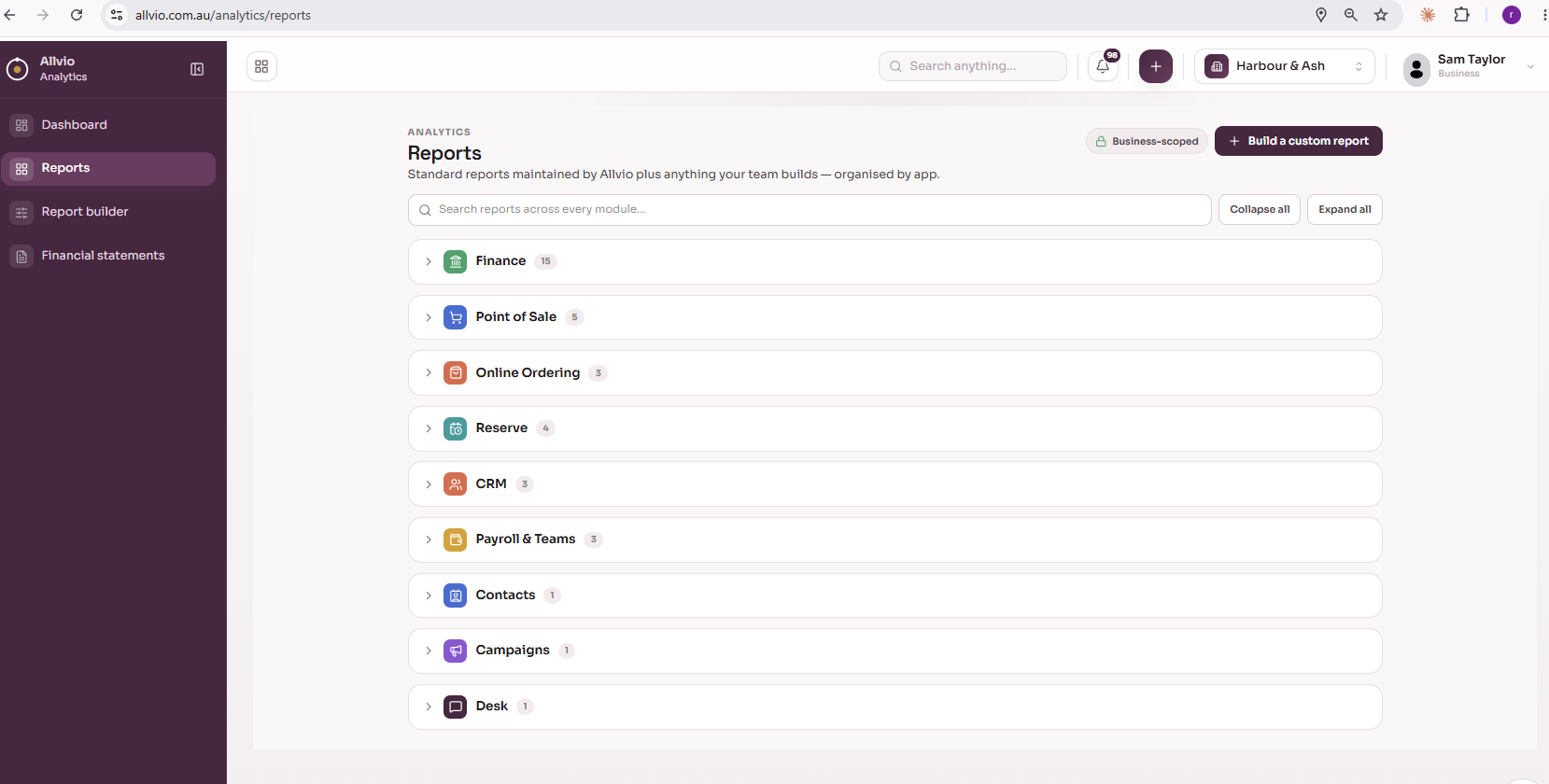
Customer emails, team chat and reports, in the same place.
There's a simpler way. The Allvio way.
One simple bill, or build your own. Either way, 30 days free, no card required.